Sony C-800G and Manley Reference Cardioid microphones offer different recording options for singers, particularly when the session requires a choice of pickup pattern. For the Sony, an engineer can select cardioid or omnidirectional operation. The Manley uses fixed cardioid operation and has a switchable attenuation pad. Both models appear in Studio 260’s published equipment inventory, so artists planning a Dubai vocal session have a useful starting point for a discussion with the engineer.
Your microphone audition needs a passage from the song you plan to record, performed at the intensity intended for the finished vocal. Technical specifications explain the hardware options, and the recorded passage lets the producer hear how a particular voice responds. Keep the instrumental available during playback so the selection fits the arrangement.
Compare the Pickup Patterns First
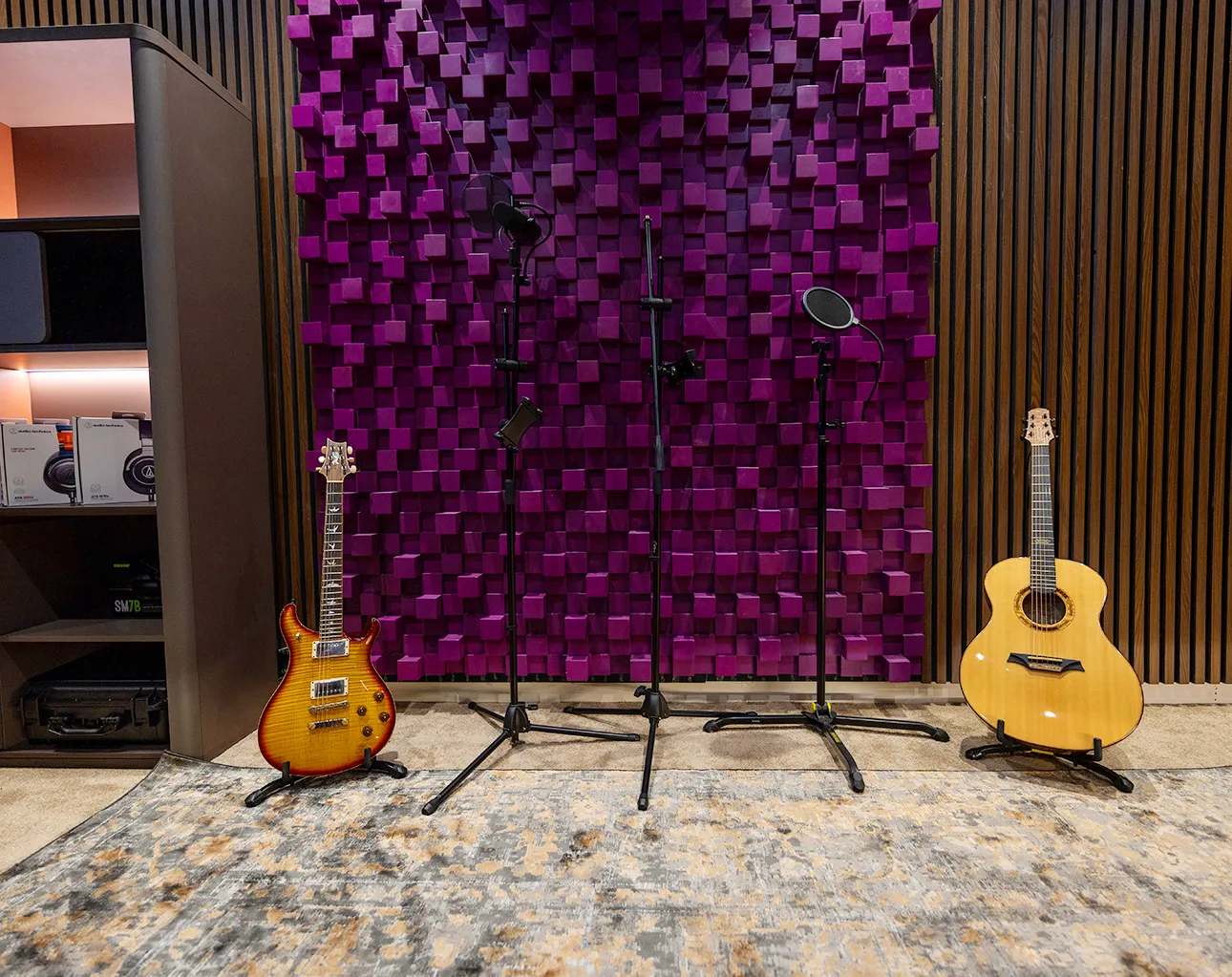
Sony’s official C-800G description confirms that it offers selectable cardioid and omnidirectional operation, allowing an engineer to assess either pattern against the session’s acoustic requirements. In cardioid mode, the microphone favors sound arriving from the front. Omnidirectional operation captures sound from all directions around the microphone. Listen for surrounding sound that belongs in the recording when assessing that setting.
The Manley Reference Cardioid features a fixed directional pattern, with its front-facing response well-suited to a singer positioned at the capsule’s intended address angle. To compare microphone tone, begin with the Sony in cardioid mode and keep the vocal position comparable between tests. If the production calls for surrounding acoustic sound, assess Sony’s omnidirectional setting in a separate test.
Read the Hardware Differences in Context
Sony equips the C-800G with a thermoelectric cooling system, which the manufacturer associates with low noise and low distortion during operation. Allow sufficient space around the external cooling assembly when positioning the microphone for the performer. Setup space and mounting arrangements deserve the engineer’s attention, especially when a lyric display shares the singer’s immediate recording area. Follow the instructions for the supplied equipment, specifically the microphone and power unit.
Manley’s microphone manual identifies a six-micron gold-sputtered diaphragm and a switchable minus 10 dB pad for the Reference Cardioid microphone used in vocal sessions. If the source requires attenuation, the pad reduces the signal level. For a vocal comparison, the engineer decides if attenuation is appropriate and documents its setting alongside the recording gain. Additional gain at the preamp changes the signal level reaching the recorder.
Assess Consonants During Playback
Manley’s microphone manual recommends a two-layer nylon pop screen for close vocals, since bursts of air can overload the capsule during recording. Keep suitable pop protection in place during the audition, and ask the engineer to check for any distracting plosives. The producer can then assess the recorded lyric at the intended listening level. Which consonants remain audible, and how does the vowel tone suit the instrumental?
For playback against the instrumental, choose lyric passages whose consonants must remain audible alongside the arrangement’s percussion or guitar parts. If an S sound becomes distracting, retain that phrase for a second test at a revised microphone angle. Sustained vowels deserve a separate listen across the singer’s register. Notes tied to exact lyric passages help the producer describe a preference using audible details.
Keep the Comparison Fair
Useful audition recordings include a passage that the singer can repeat with a similar delivery, so the engineer has comparable material from both microphones. Choose a section containing the performance’s softer lines and a stronger phrase. After an initial recording, repeat that section at the same musical intensity with the alternative microphone. The producer then compares matching passages at similar playback loudness.
If a recorded example sounds louder, reduce its playback level until the comparison reflects a comparable listening balance between the two takes. Keep the instrumental at the same level during the audition. Reverb and tonal processing should remain consistent throughout that first comparison. When the preferred microphone is selected, the engineer can assess processing for the actual production.
Test Distance Against the Song
Distance changes deserve a separate test after the initial microphone comparison, particularly when a close vocal contains more bass than the arrangement needs. Shure’s vocal recording guidance explains the proximity effect associated with directional microphones. For both microphones in cardioid mode, assess a comfortable singing distance, then repeat the chosen phrase after a measured position change. The engineer can compare the bass response against the same instrumental passage.
Vocal movement during an expressive phrase introduces another variable, especially when the singer leans closer for a soft line and retreats for a stronger note. Rehearse the phrase using the selected microphone, then assess the resulting tonal changes during playback. If the movement supports the performance, retain it in the session plan. The engineer’s setup notes should include the agreed distance and address angle.
Choose the Recording Chain After the Audition
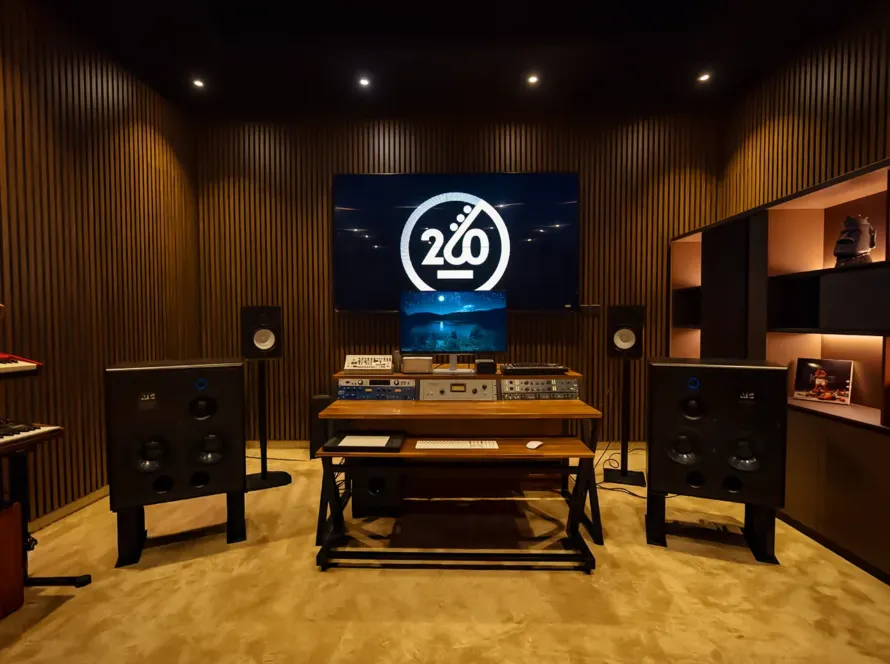
Studio 260’s audio production service lists both microphones, and its equipment overview identifies an AMS Neve 1073DPX preamp within the available recording inventory. For the initial audition, ask the engineer to keep the preamp path consistent between microphone tests. Optional compression deserves a later comparison after the microphone choice. Once the singer approves a microphone, assess compression using a fresh performance through the chosen path.
The studio’s published inventory identifies Tube-Tech CL 2A and Universal Audio LA-2A compressors as available analog equipment for processing vocal recordings during studio sessions. Studio 260 lists an Apollo x8 interface for digital audio work. For the booked session, confirm the proposed routing with the engineer. If the project continues with a separate mix engineer, agree which processing remains in the delivered recording. Retain the selected test passage as a reference for later vocal takes.
Plan a Microphone Audition at Studio 260
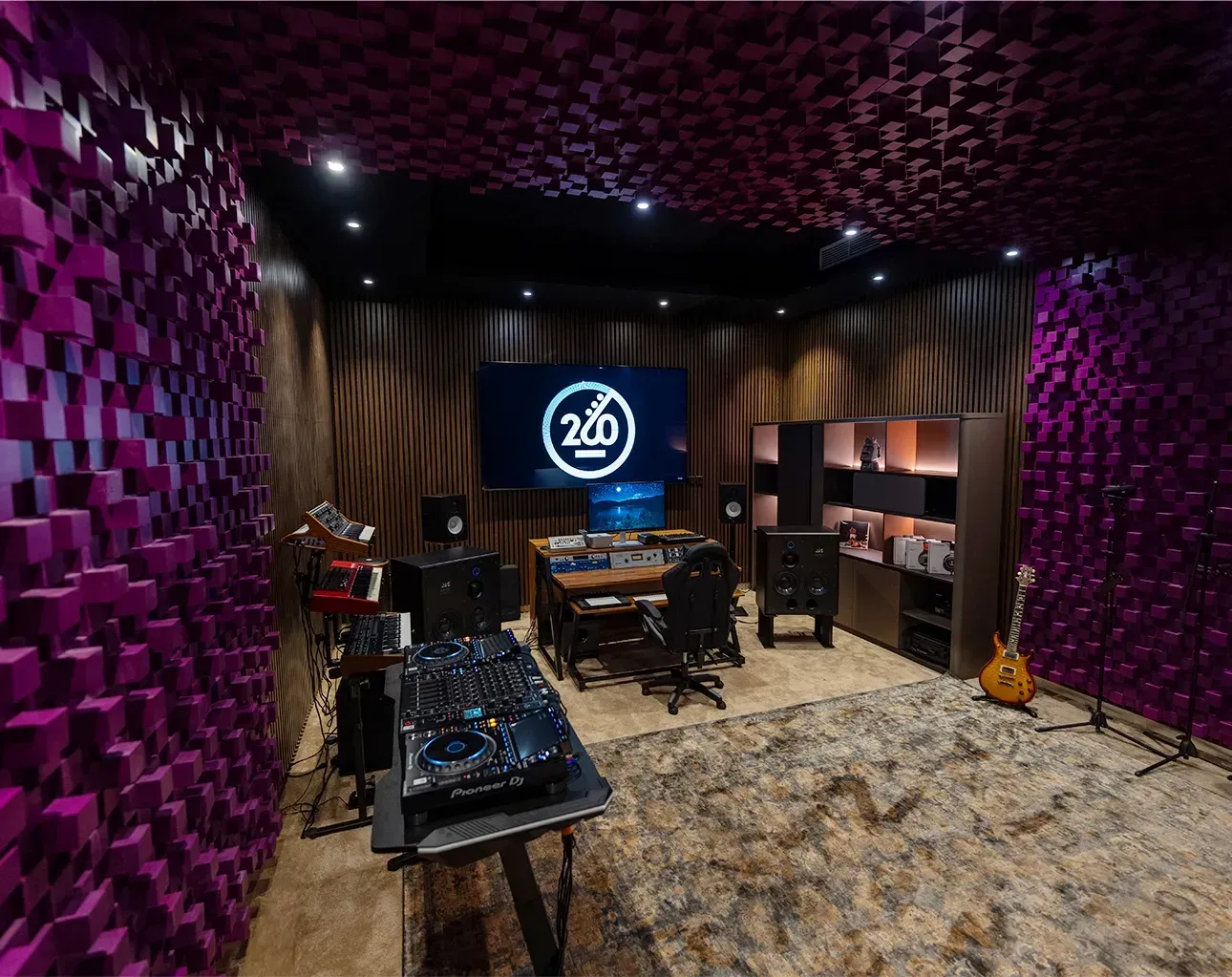
Artists planning a session through Mystic Family’s recording studio service can request a microphone audition as part of the proposed vocal assignment. Send the current song and describe the vocal work still required. Availability of both microphones needs confirmation for the preferred date, with the audition time included in the proposed booking. Once the singer approves the setup, retain the agreed-upon position for the lead performance and assess any adjustments needed for the harmony parts.