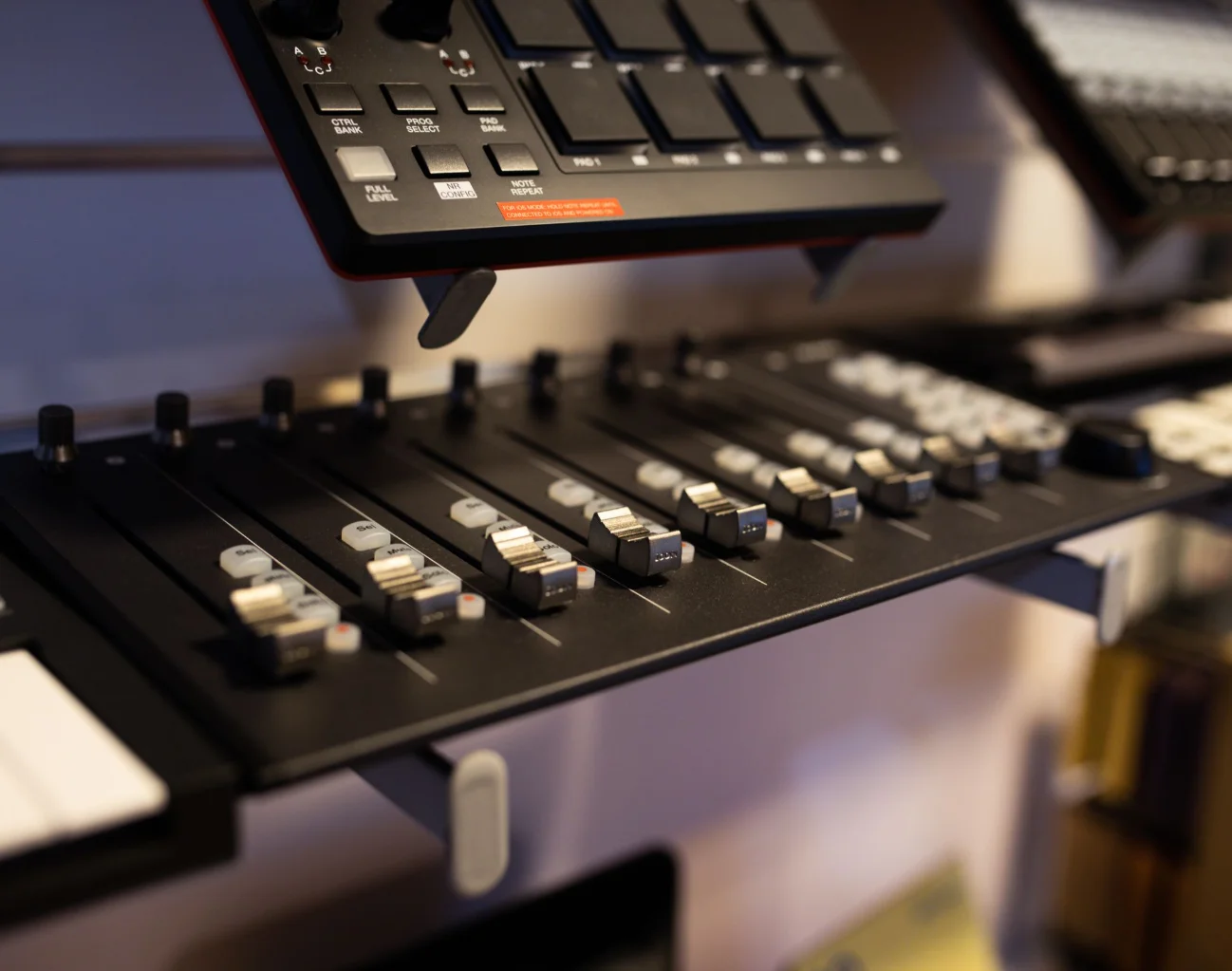
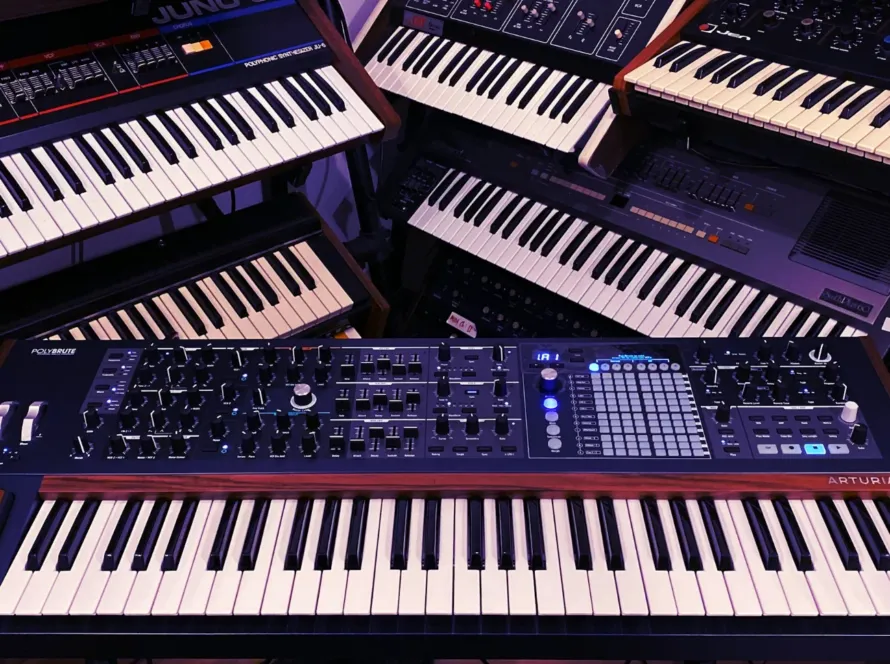
The moment a second vocal enters a DJ mix is worth testing during rehearsal, particularly when both songs contain lyrics that deserve attention. For DJ performance preparation in Dubai, a rehearsal establishes where the incoming track belongs within the planned transition. Listen through the complete exchange, then decide which musical phrase needs space. After rehearsal, the DJ has a tested entry point and an audible record to review against the original plan.
Within Mystic Family’s in-house music operation, Studio 260 supports DJ set preparation and recorded rehearsals alongside work on music edits. If the performance requires particular decks or a mixer, discuss that equipment request with the studio team. The session can then address the artist’s actual playback arrangement, with the necessary technical support agreed during booking.
Establish the Live Set Requirements
For a DJ preparing an event set, the starting brief needs the performance duration and the musical direction agreed with the organizer. Ask who will signal a scheduled interruption and how the DJ receives that cue. If the program includes a scheduled announcement, rehearse an exit at a suitable musical phrase. Keep an alternative track ready for a longer performance slot.
When a singer or instrumentalist joins the set, rehearse the passage that introduces the live performance using the intended accompaniment. Agree the entry cue with the artist, then test the return to the DJ set. The sound engineer needs the input requirements for that arrangement. For the venue sound check, confirm how the performer hears the accompaniment through the monitor system.

Choose Edits That Solve a Musical Problem
If an incoming song reaches its vocal too soon for the planned transition, a longer instrumental introduction may suit the set. Establish the desired entry point with the producer and agree which source recording the edit will use. The proposed usage rights require confirmation with the relevant rights holder. Once the permitted source material is agreed, the producer can develop the edit within the project’s usage terms.
For an edit review, play the revised passage alongside the neighboring track at the tempo planned for the live set. Listen for changes in the drum sound and the vocal texture. Ableton’s audio guidance explains that tempo processing varies with the selected mode. Judge the exported audio through a playback test, then retain the approved version with a dated filename.
Rehearse the Complete Transition
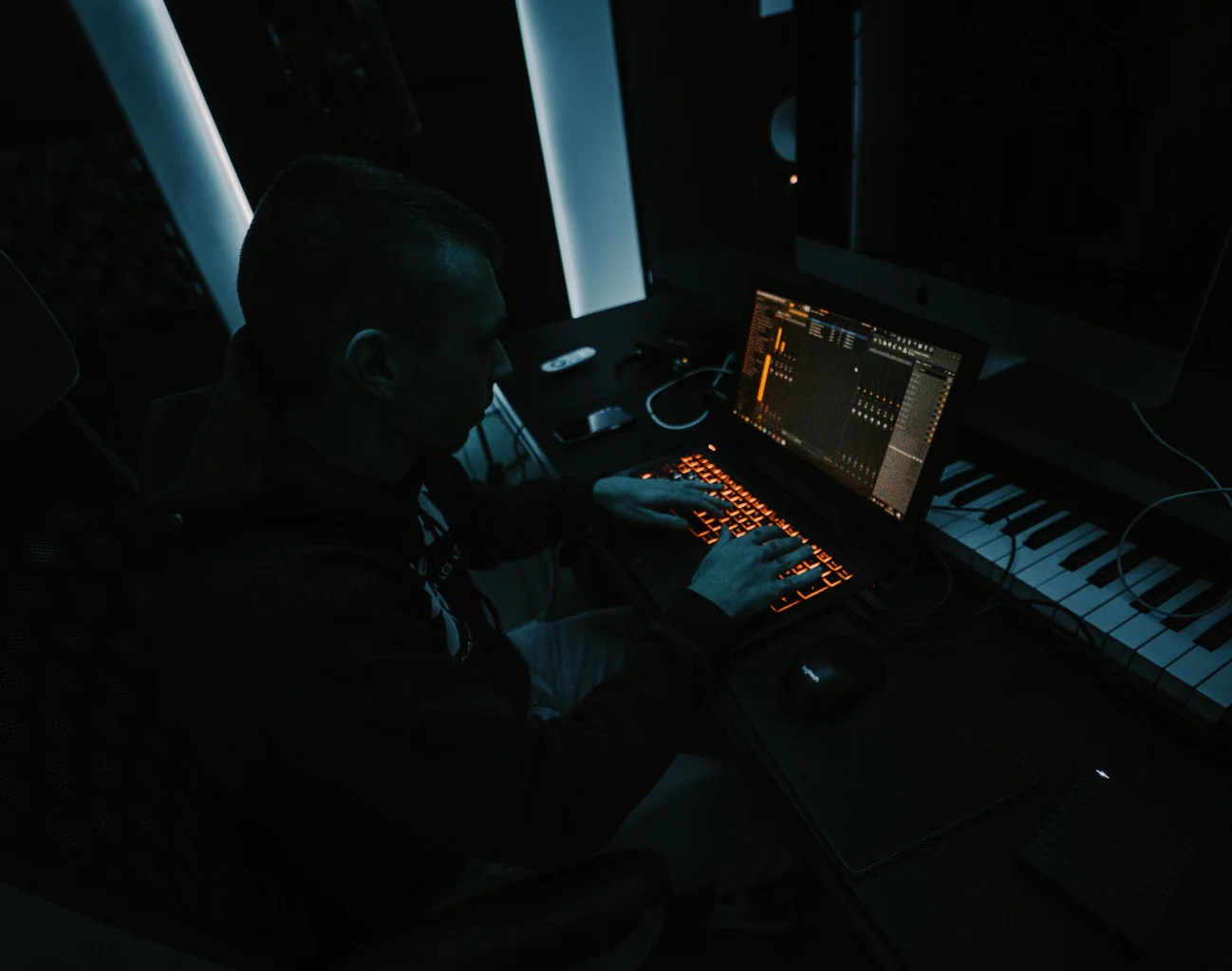
The musical phrase that precedes a transition deserves rehearsal alongside the exchange itself, especially when an incoming vocal changes the listener’s attention. Start playback early enough to hear that context. If the vocals overlap, try a later entry and compare the recorded result. Preserve the outgoing phrase’s musical ending when the arrangement calls for it.
As you rehearse a transition between bass-heavy tracks, listen to the low frequencies when the incoming track joins the outgoing music through the mixer. Decide when the incoming bass becomes audible, then rehearse the corresponding channel changes. For a densely arranged passage, a shorter overlap may suit the music. Test that decision against the full section at a comfortable listening level.
Once the planned sequence feels playable, rehearse a different next track so the performance retains choices for the actual audience. Keep its cue point accessible within the playback library. When the organizer requests a shorter set, rehearse reaching the agreed ending from the current passage. The rehearsal recording provides a way to compare those musical routes after the session.

Test the Files on the Intended Playback System
For a set prepared in DJ software, the rehearsal needs to include loading the exported library on equipment compatible with the venue setup. Check the cue positions through headphones and confirm that the planned loops repeat at the intended point. If automated track analysis incorrectly places a musical entrance, correct the preparation data and repeat the playback test.
When preparing a USB export in rekordbox, consult the official player compatibility information for the hardware named in the event’s technical agreement. The export requirements vary by playback system. Test the actual device containing the performance files and prepare a second verified copy. The venue technician needs to confirm which connection remains available during the preceding DJ set and how the changeover will work.

Record a Rehearsal for Listening Review
Early in the rehearsal, the engineer needs a recording test to verify the input routing and the level reaching the recorder. Play a short passage and listen to the saved file. The saved file needs the expected audio on both stereo channels. For a hybrid performance, include the live instrument in that test and confirm its recorded level.
Serato’s gain guidance explains that clipping occurs when an audio signal exceeds the level a system accepts, which can produce audible distortion. Check the meters throughout the agreed signal path using a loud passage. When both tracks play together, leave sufficient margin for peaks during the transition. The engineer can confirm the recording input level against the mixer output.
After recording a complete rehearsal, listen again with the playlist visible and note the timestamps where a musical decision needs revision. Describe the issue in concrete terms, such as a vocal collision or an abrupt level change. Once the adjustment is ready, record the affected passage and compare it with the complete rehearsal.
Arrange the Studio Session Around the Performance
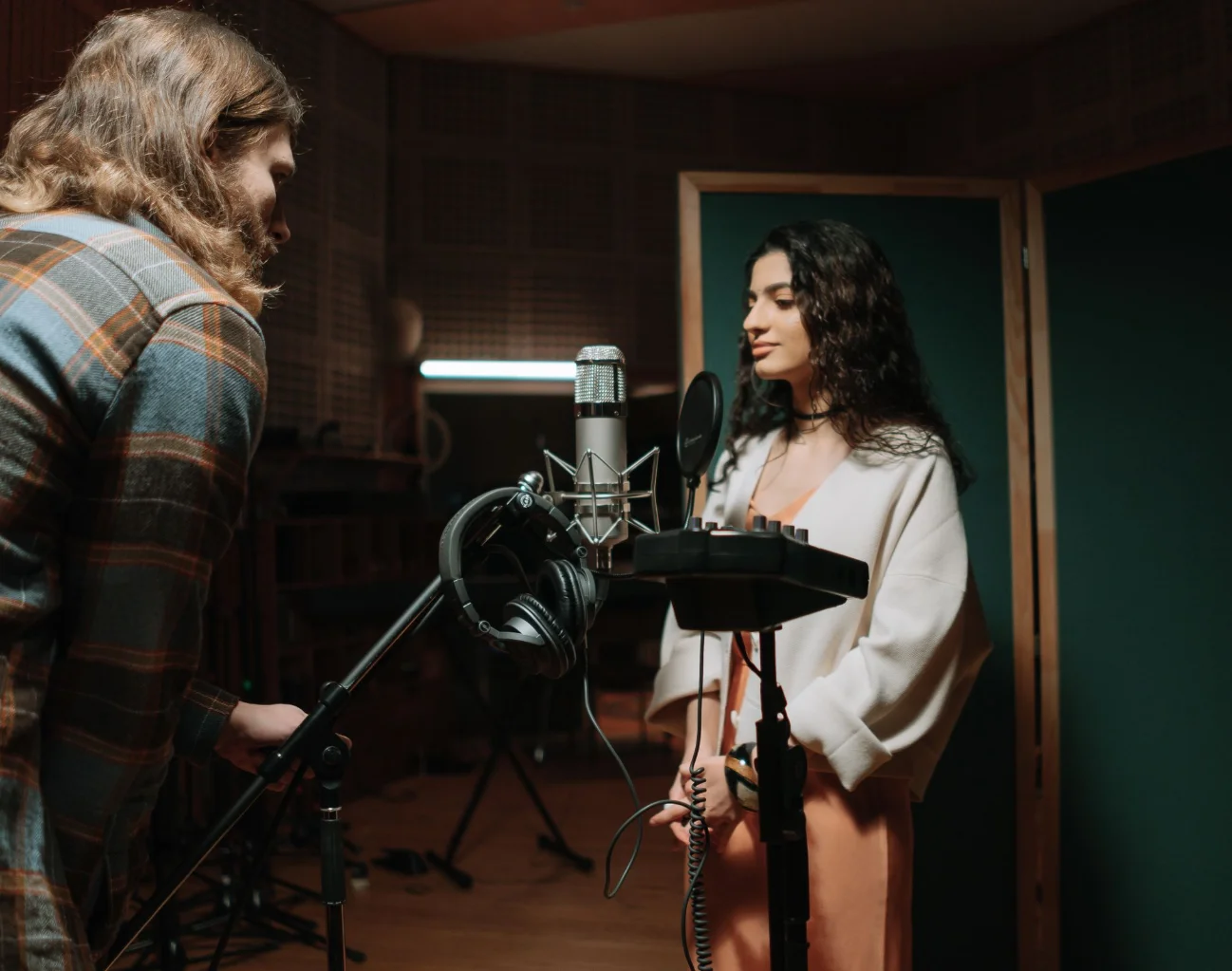
Studio 260 operates inside Domansion in Al Awir, Dubai, with audio recording facilities and electronic music production tools for artist preparation. For electronic music production, Ableton Live Suite is part of the confirmed software inventory. When a DJ requests a rehearsal, the team reviews the setup and session duration. Particular CDJ models require confirmation. Discuss external hardware connections with the team and agree on the engineering arrangement.
To discuss a session with Mystic Family, send the proposed date and the performance duration for the event you are preparing. Describe the playback setup when specifying the requested studio work. The booking discussion needs an agreed audio delivery format and file transfer method. When music editing forms part of the session, request the approved versions for the next rehearsal.